I’ve finally got around to creating some music, inspired by litening to some stuff I did many years ago while building a web site dedicated to mein glasfabrik. The first is a very short piece but I find it quite soothing. I’ve added it to my about me page on the site.
And then there’s a longer piece here: TempleWood
Hope you enjoy
Peter Bargh
Sights & SoundsIf you’re like me and have a wordpress blog that you’ve updated to 2.6 you may have found that you cannot right align photos in your blog posts.
This is because many of the site templates are not totally up to date.
The solution is to edit your CSS style sheet
1 Go to your Site’s admin panel
2 Click on the Design tab and then Theme editor below the tab. It should bring up the style sheet (style.css) If not look at the Theme Files list on the right.
3 Click the Ctl+F to bring up a search window and key in img right or even just img r and click next.
4 Find the line
img align left{ float:left; margin:0 12px 5px 0; }
and change it to
.alignright { float:right; margin:0 0 5px 12px; }
This will then ensure that images are right aligned.
I’ve just had a go at publishing a book using Blurb and I have to say it’ s a really simple and fun experience. The whole thing took me a couple of nights. The software is incredibly easy to use and gives you a good amount of flexibility on choice of font and design. I chose the theme on Avebury’s Stone Circle and called the book “the Stones of Avebury” . Take a look the link’s in the panel below.


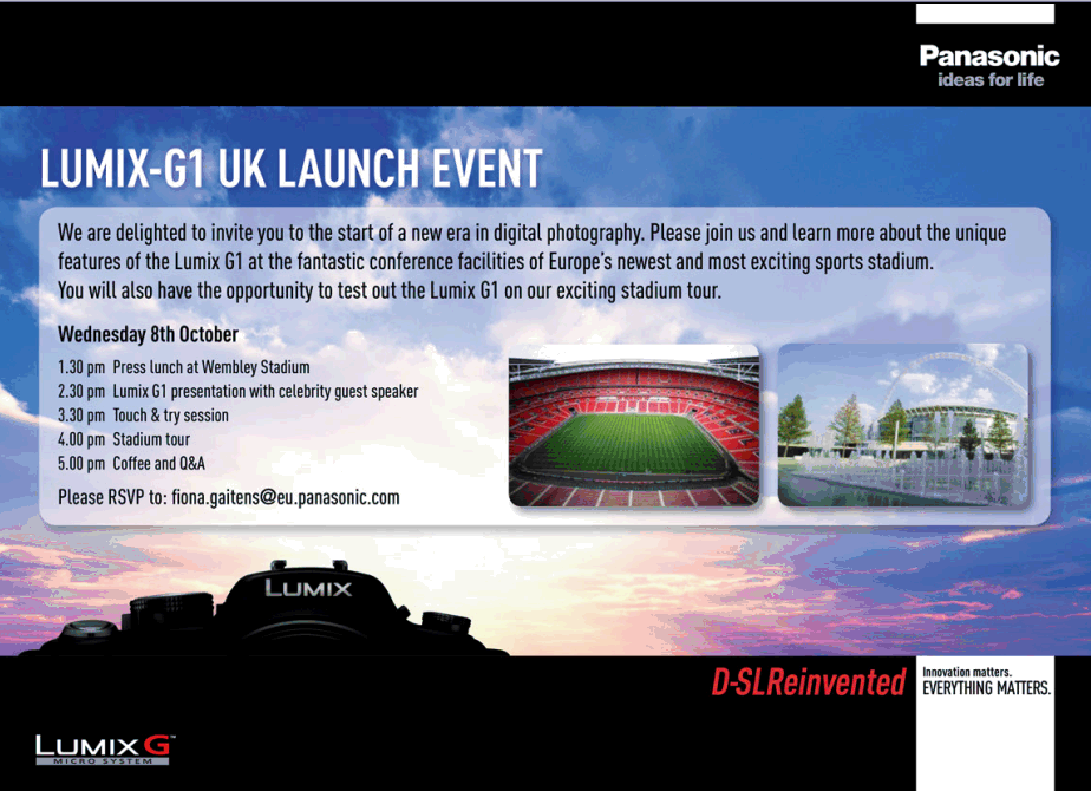
Panasonic Lumix G1 Press Launch was at Wembley Stadium. They asked Vicki Butler-Henderson (Fifth Gear) to give a presentation. It was great to see Vicki again as we’d been on journalist courses together when we both worked at EMAP. After lunch we had a tour of Wembley Stadium
1:30pm Press Lunch at Wembley Stadium
2:30pm Lumix G1 presentation and guest speech from Vicki Butler-Henderson
3:30pm Touch & Try session
4:00pm Stadium Tour
5:00pm Coffee and Q&A session
Hosts
John Mitchell, Tanya Frost
Press
Peter Bargh, James Mansfield, Mark Goldstein, Gavin Stoker

After coming up with the concept over two years ago we finally got around to launching our one million face concept – addyourface. It went live to an ePHOTOzine audience today. Adyourface is a mosaic grid with at least one million spaces available to be filled by people uploading their portrait. the idea is we intend to break world record for the most face in a mosaic but also create a huge directory of people who use the net to network via social network sites or blogs. Currently you are in a maze trying to find people. addyourface lets registered users link to their many interactive sites, bringing all the networks into one portal. We’ve also got games so you can play too.
check it out and addyourface
Someone asked a question today that got me to think that pixel settings is still not really understood. So I thought I’d explain what the Image Size resize/resample option does.
When you open an Image Size dialgue box you usually have three methods of adjustment. One to scale styles one to constrain proportions and one to resample.
Constrain proportions and scale styles are checked (ticked) by default. If you want to stretch the image so it looks squashed then you’d uncheck constrain proportions and adjust either the Width or Height dimensions depending whether you wanted it stretched across or up. This can be used subtly to make a landscape look more like a panoramic shot, but should be used with care. If you want to keep the image the same proportions you keep these ticked and the aspect ratio remains the same.
Resample Image is the one that gets most people in a pickle. By default this will be set as default. If you leave it at default you will notice that the resolution setting is unconnected from the width and height in the Document size settings. Resolution is usually set at default at 72ppi (pixels per inch) If you change the resolution to, say 300ppi you will notice that the Top value Pixel Dimensions will increase dramatically. This is because you are about to resample the image. Doing this instructs Photoshop or similar image-editing program to add pixels (interpolate).
If the box is unchecked you will see it connects the Resolution settings with the Width and Height. If you now change the default 72ppi to 300ppi you will see that the Pixel dimensions stay the same, but the width and height decrease.
You are basically taking the 72 pixels in each inch and squashing them into 300 per inch. Computer screens are set at 72ppi so you do not need an image to be set to a resolution of 300ppi, although it doesn’t matter if the file is, because the computer will display at 72ppi anyway.
Now the person who asked the question had been told he needed the image to be 300ppi for a magazine submission. While it’s true that magazines and book publishers need 300ppi files the only important figure is the pixel dimensions, because this determine how big an image can be at 72ppi, 240ppi or 300ppi.
So what do you need to know? Any good magazine editor/picture buyer will know how many pixels he/seh needs for the image and will request the necessary…ie he/shh will request a 2400pixel image. As they are printing at 300ppi it means they have asked to use the image at 8in (2400pixels / 300), yet the same image on your computer may appear to be 33in (2400pixels / 72) if you change from 72ppi to 300ppi with the resample image unchecked the 2400 pixels will stay the same. If you check resample image when changing from 72 to 300ppi your 2400pixel image will increase to 10000pixels and will be a huge unecessary file.
Hope that’s clear…if not ask questions here
I mentioned a while ago that my site had slipped rankings to page 8 of Google. Well now it’s on page 13. So how come a site with the url that just has Bargh in it; and meta data with Bargh; and the keyword Bargh; and pics with alt tags of Bargh, and the whole site content about Bargh ends up on page 13? I’m lost as to the reason. I’ve even made the whole site validated. I believe it’s either because I added a site map (maybe incorrectly) or some thing odd is going on!
Anyone got any suggestions?
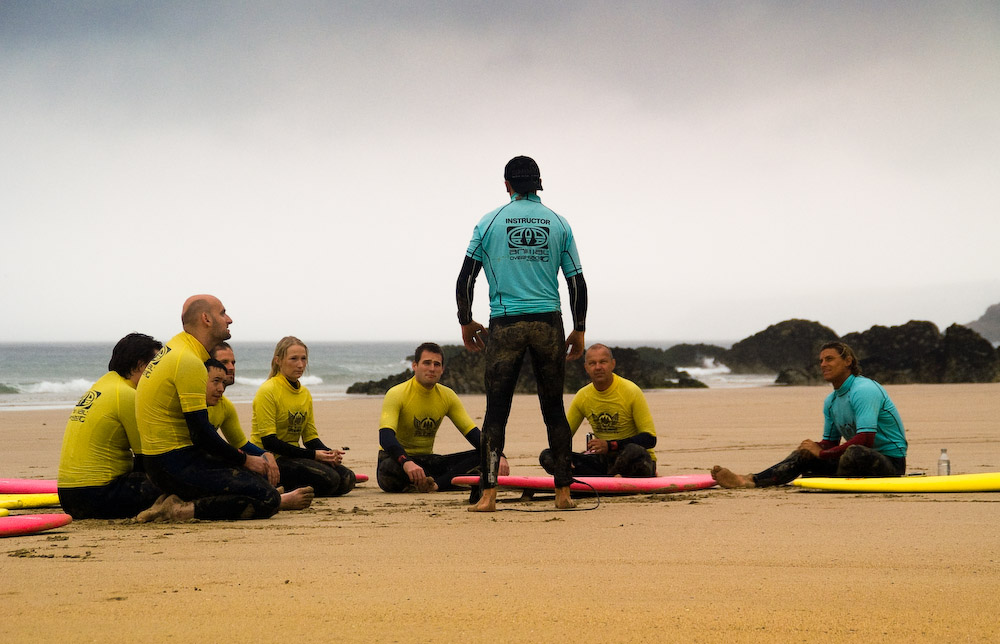
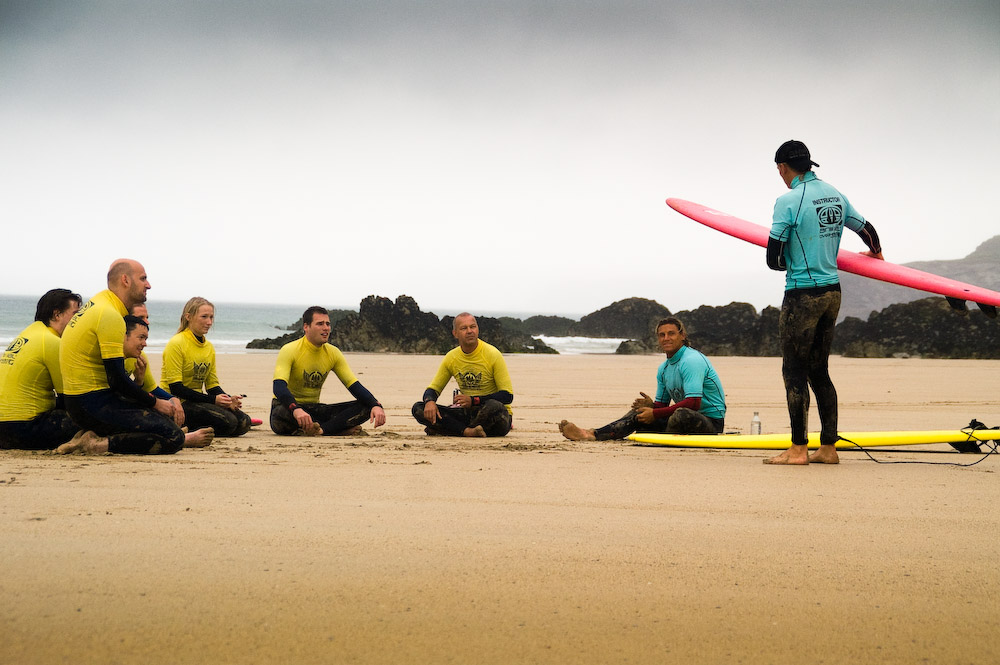
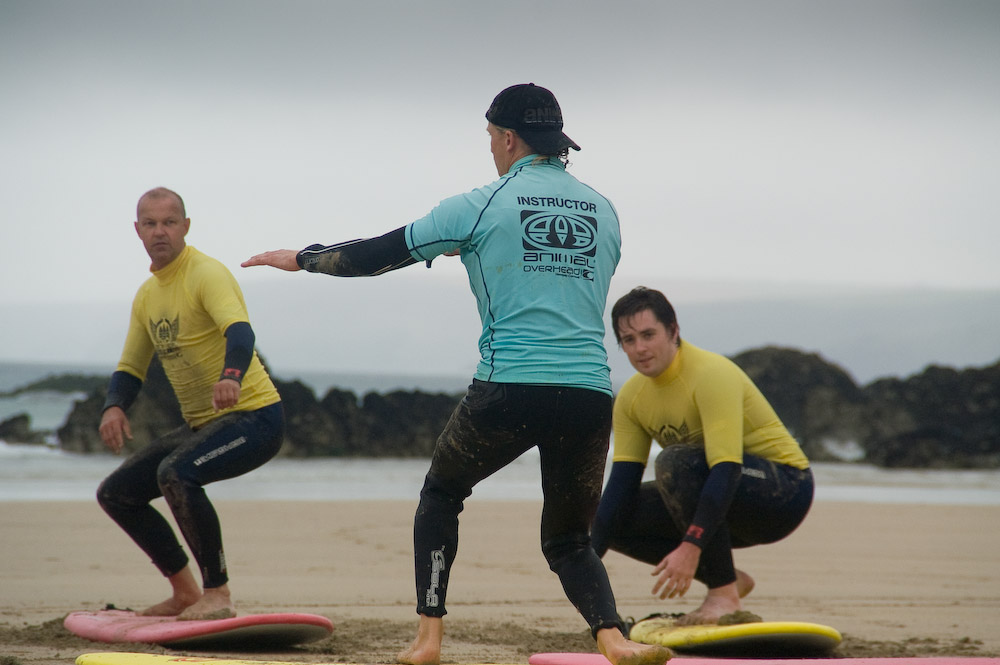
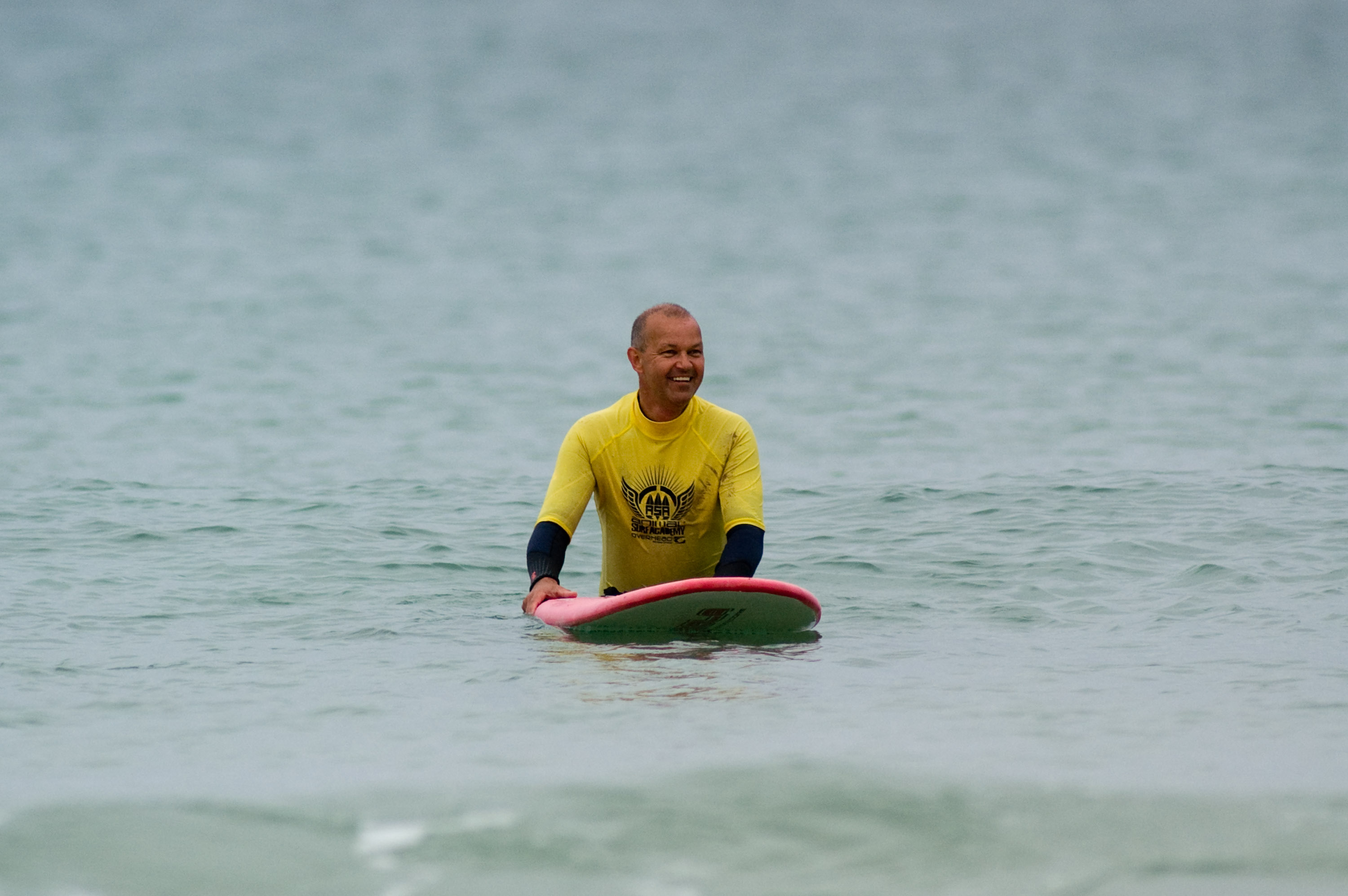
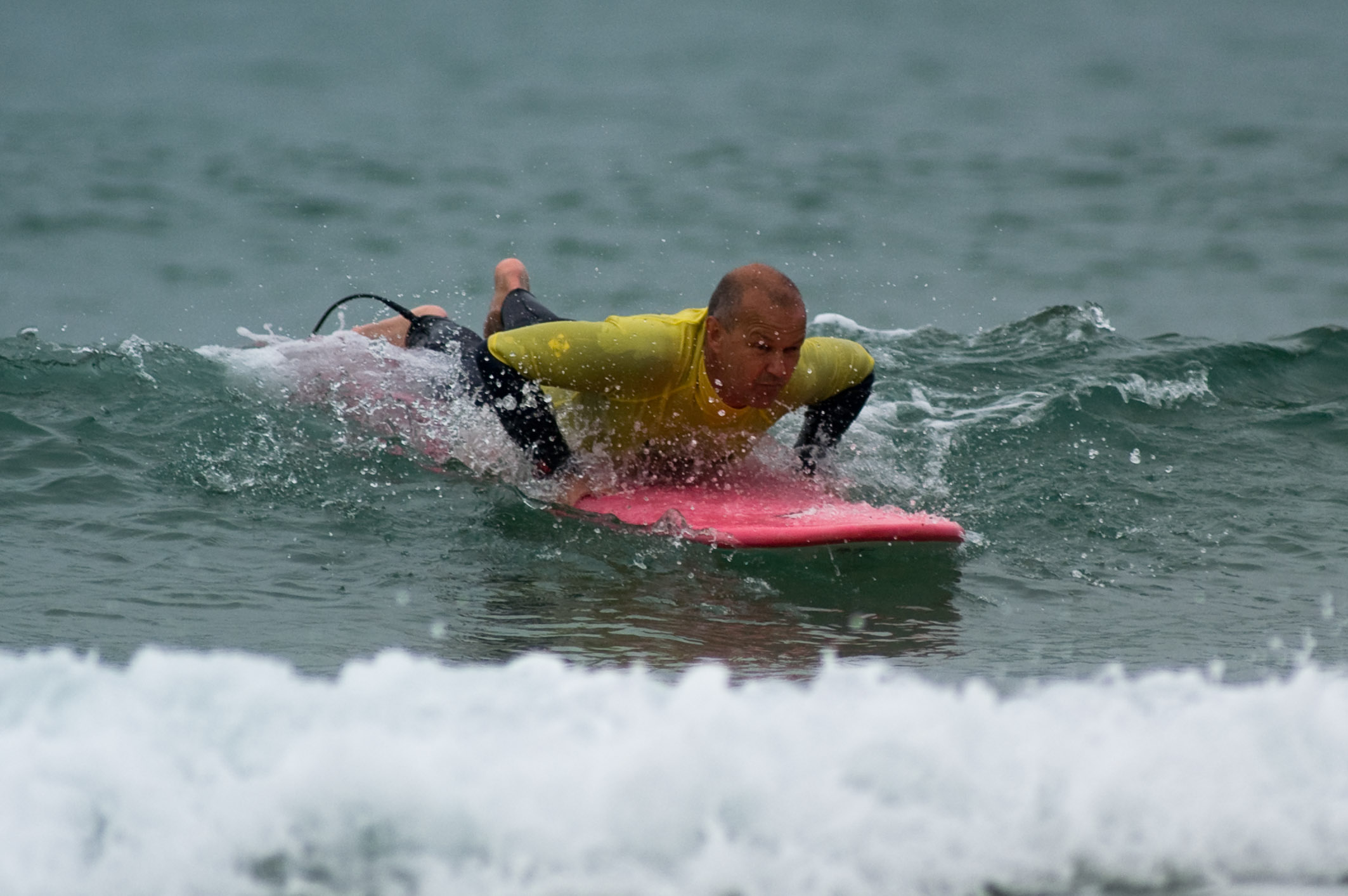
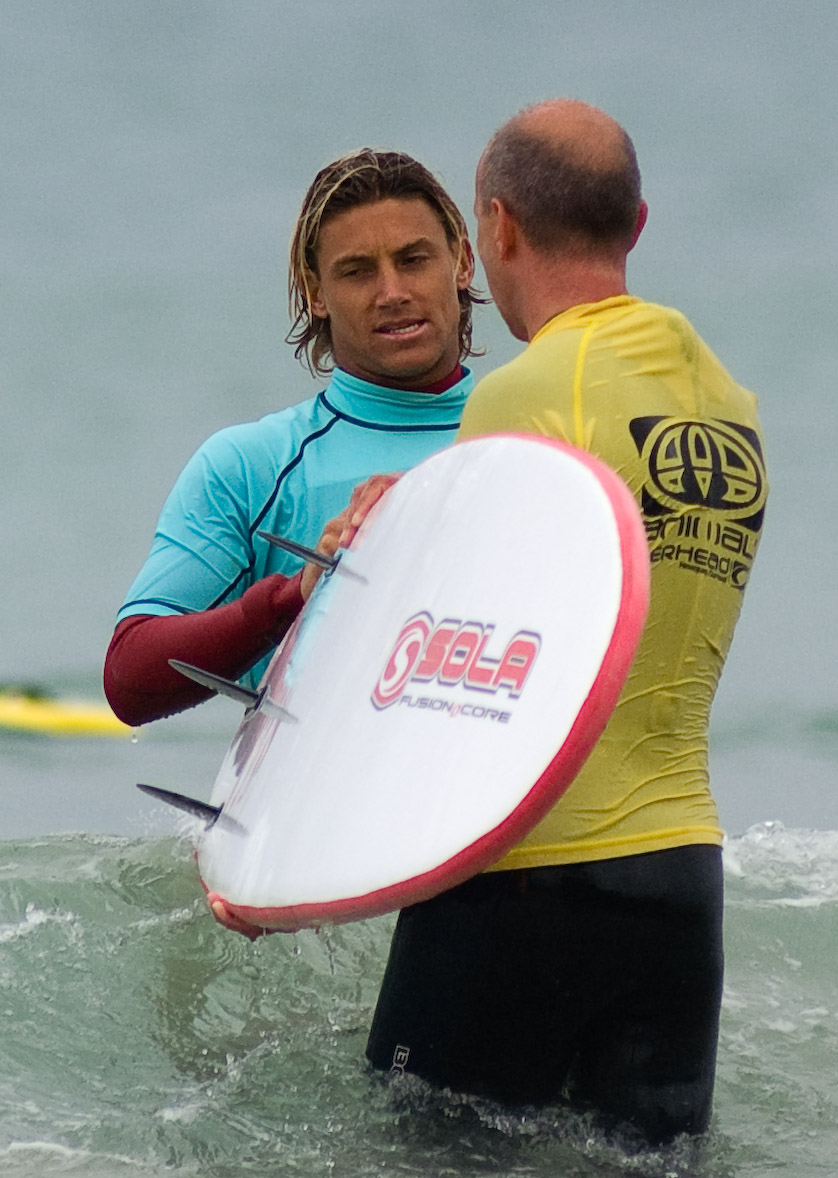
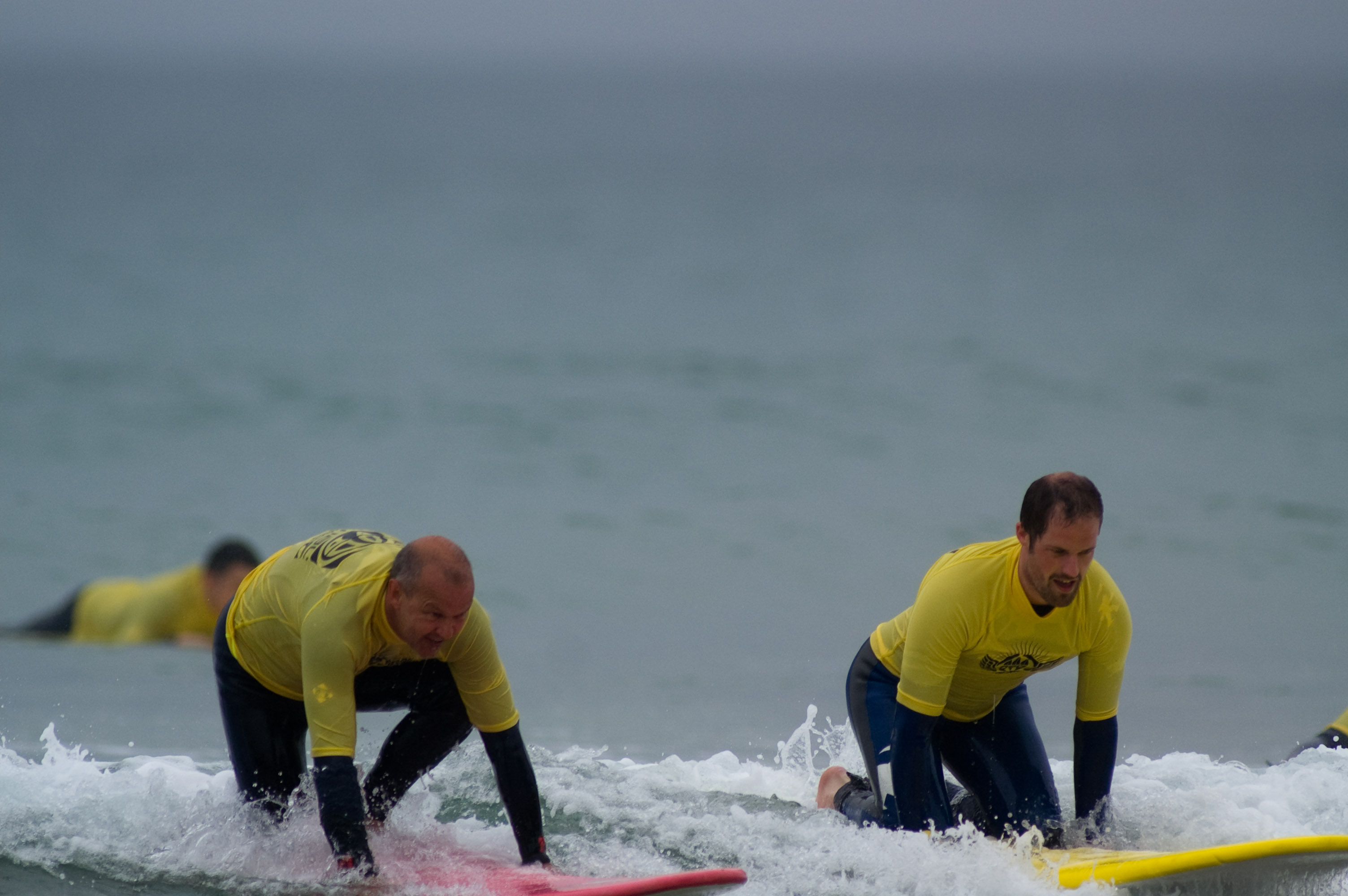
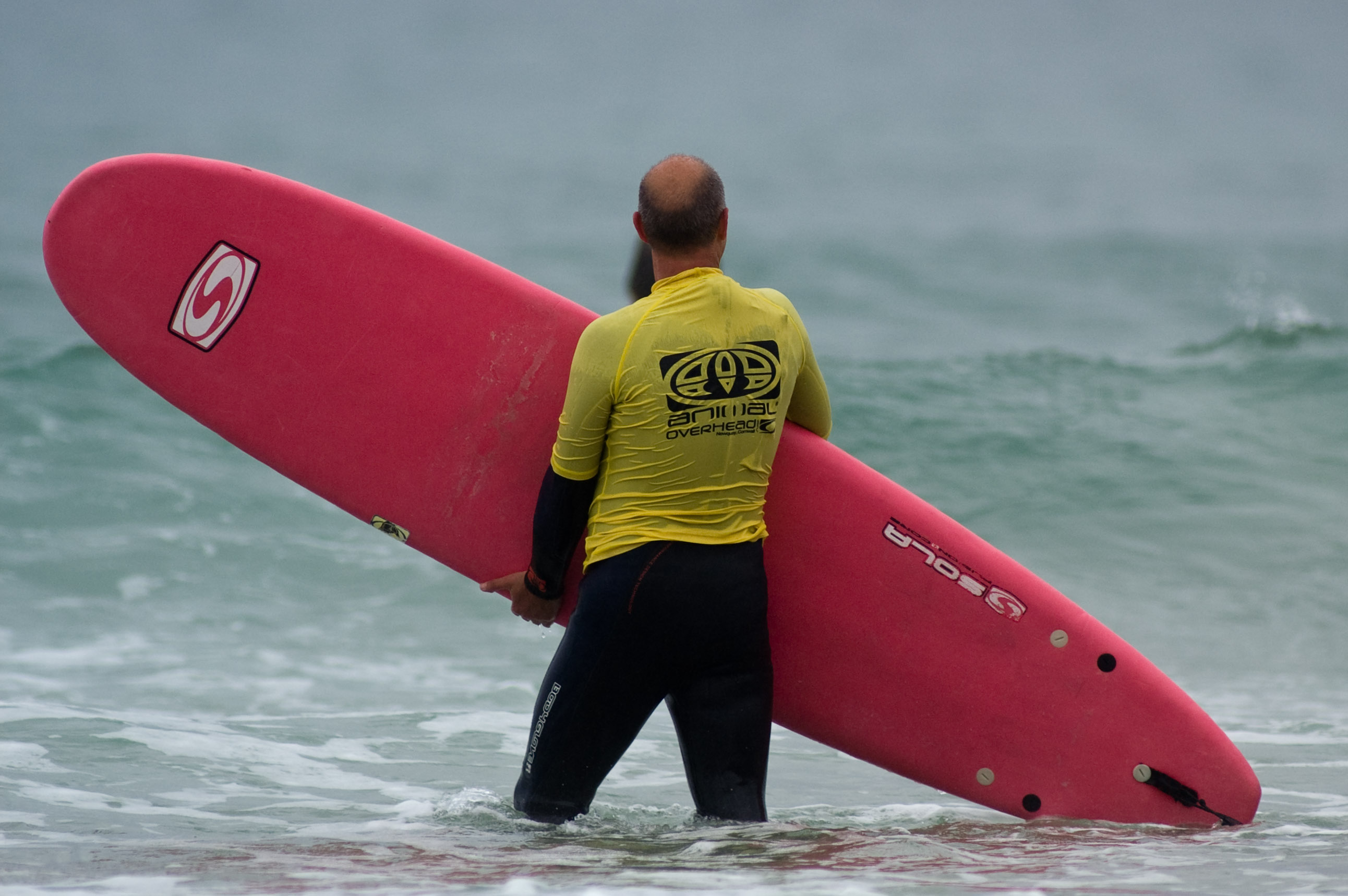
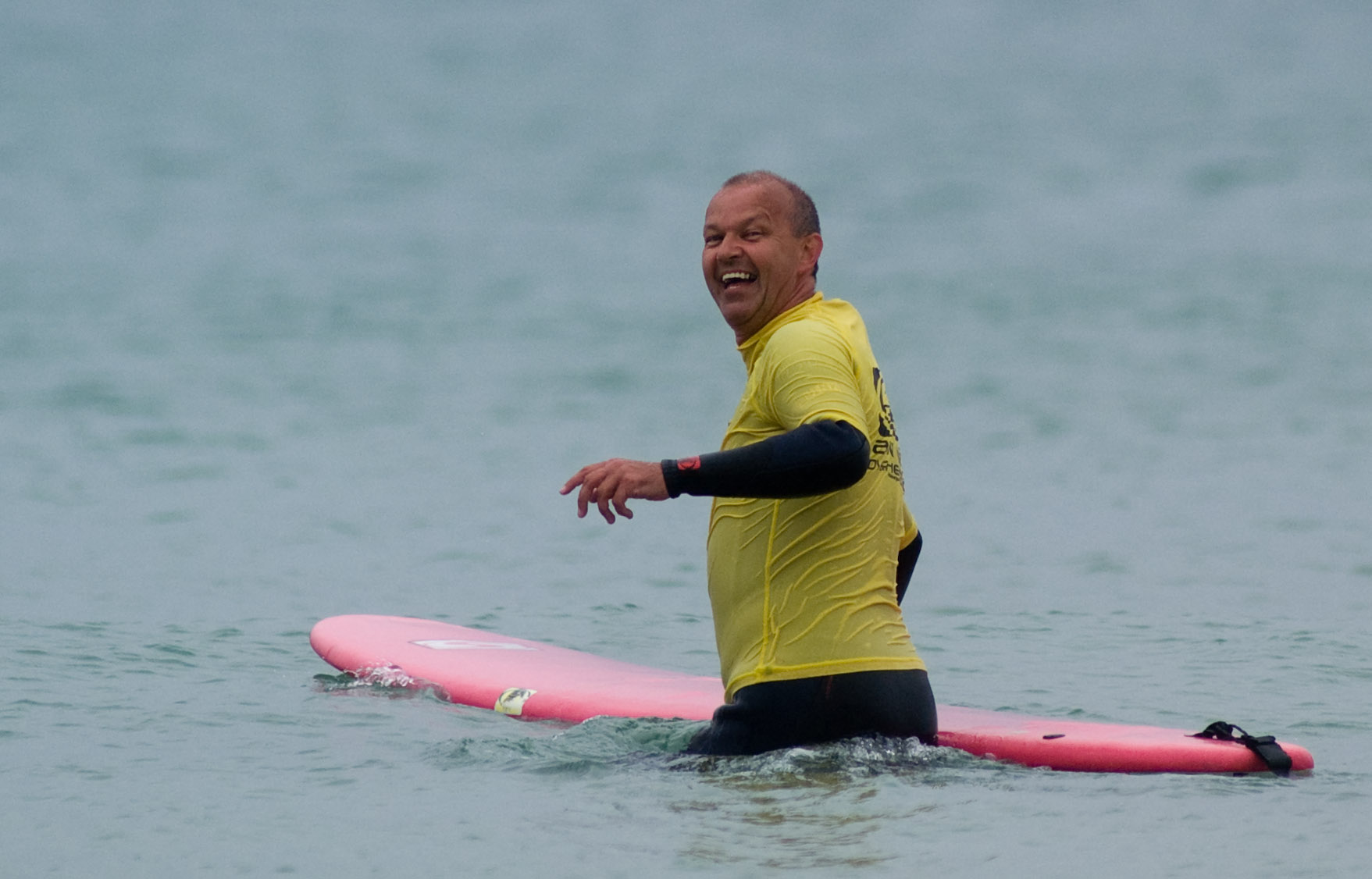
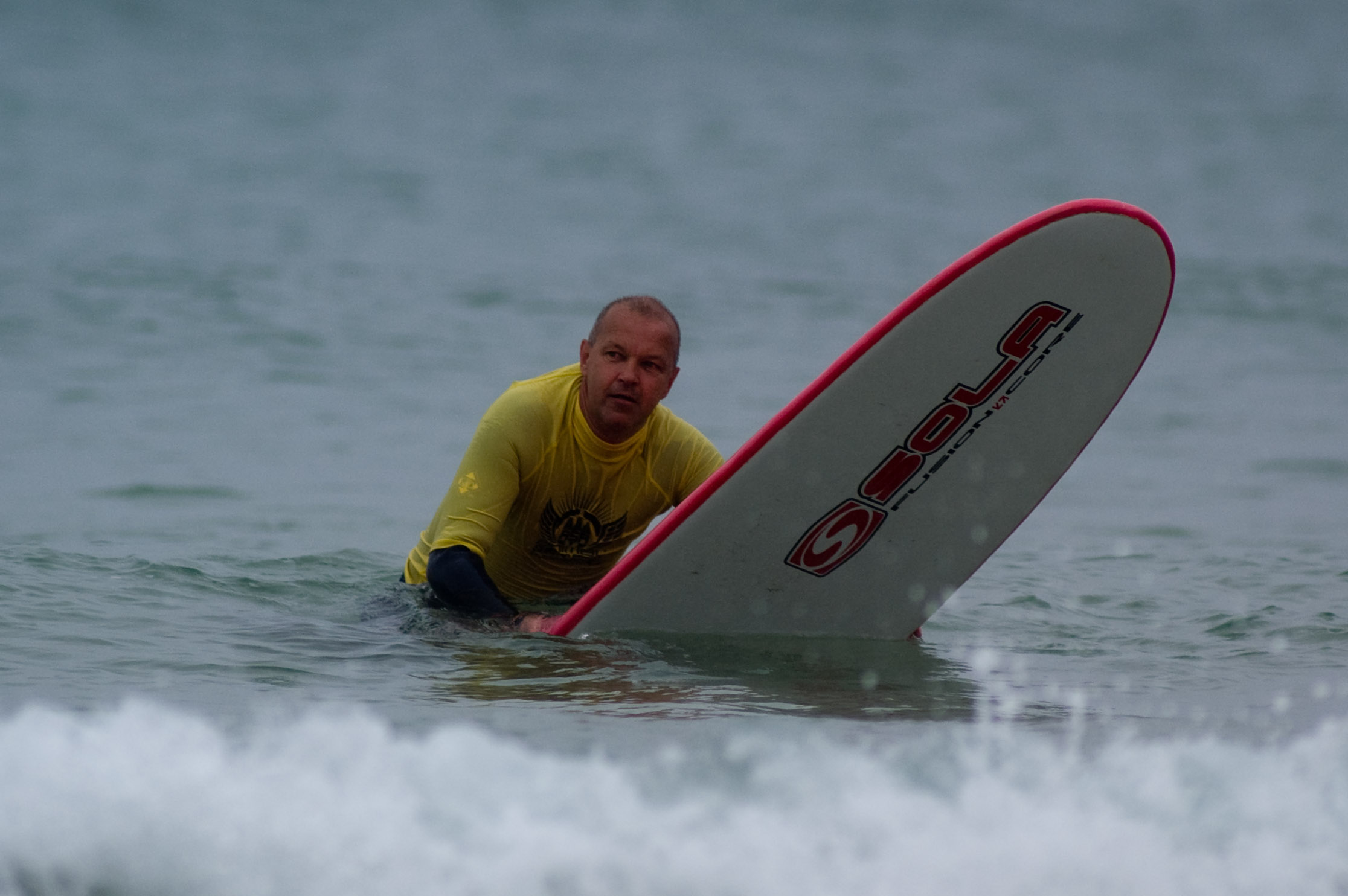
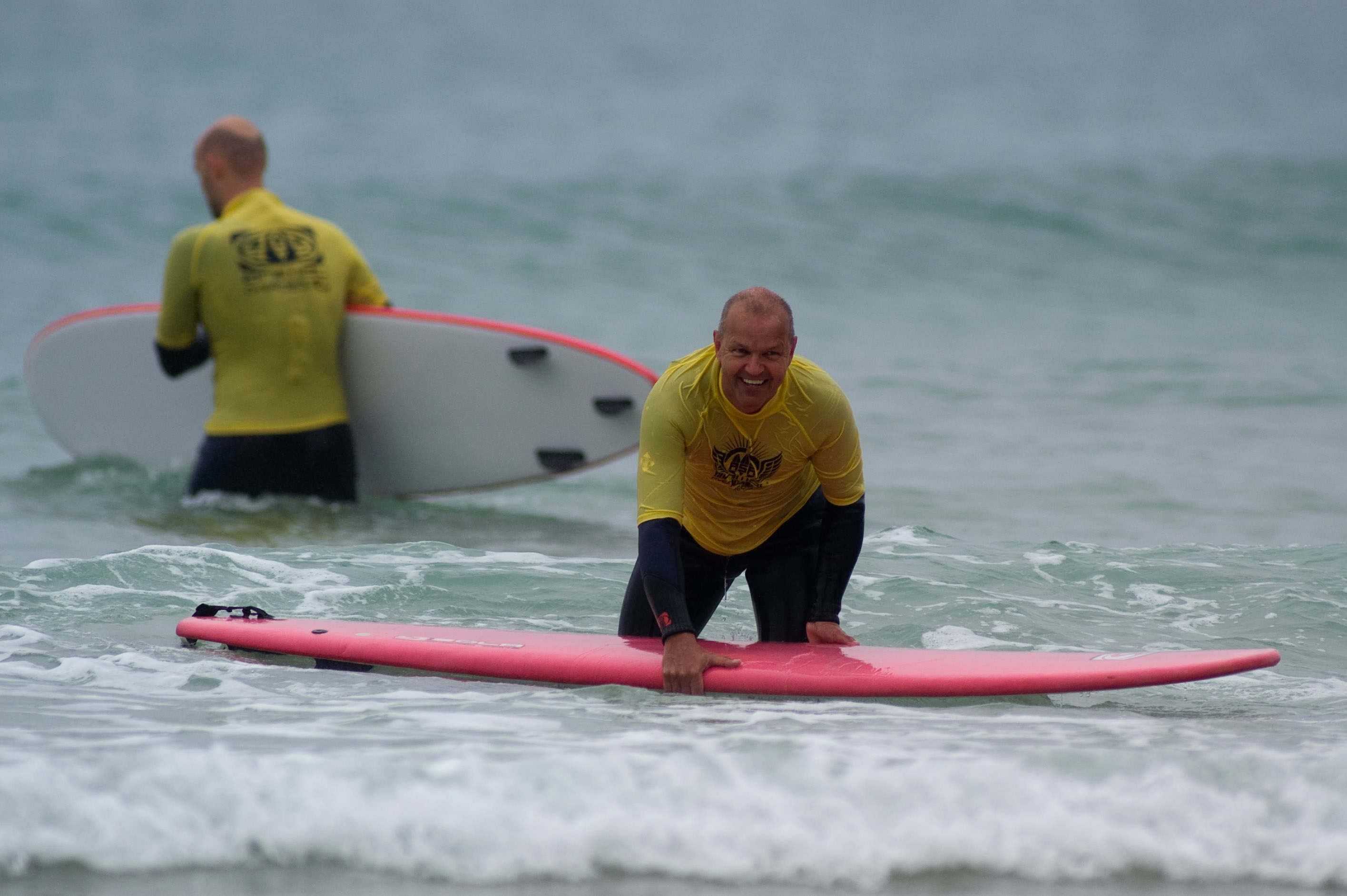
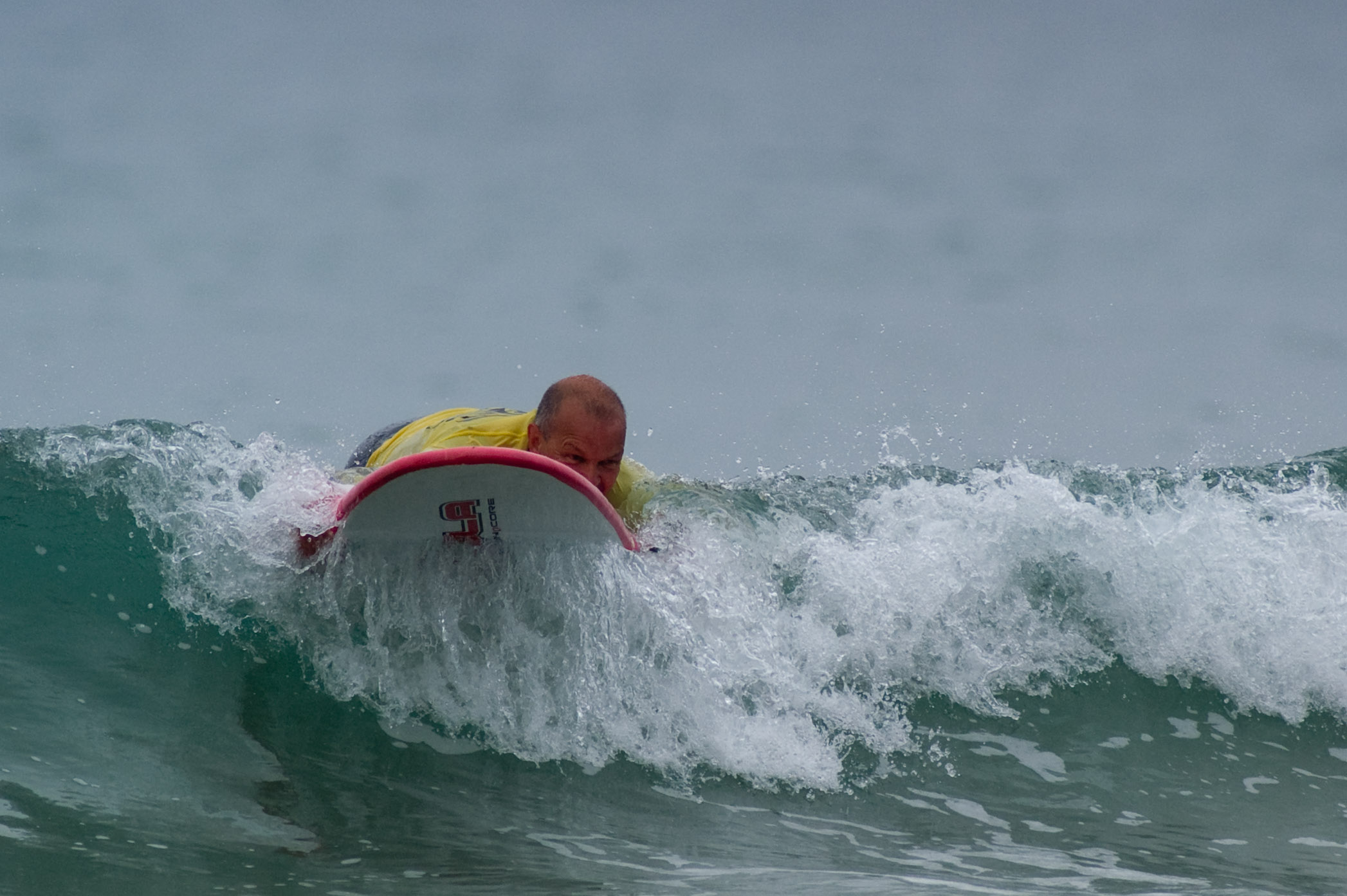
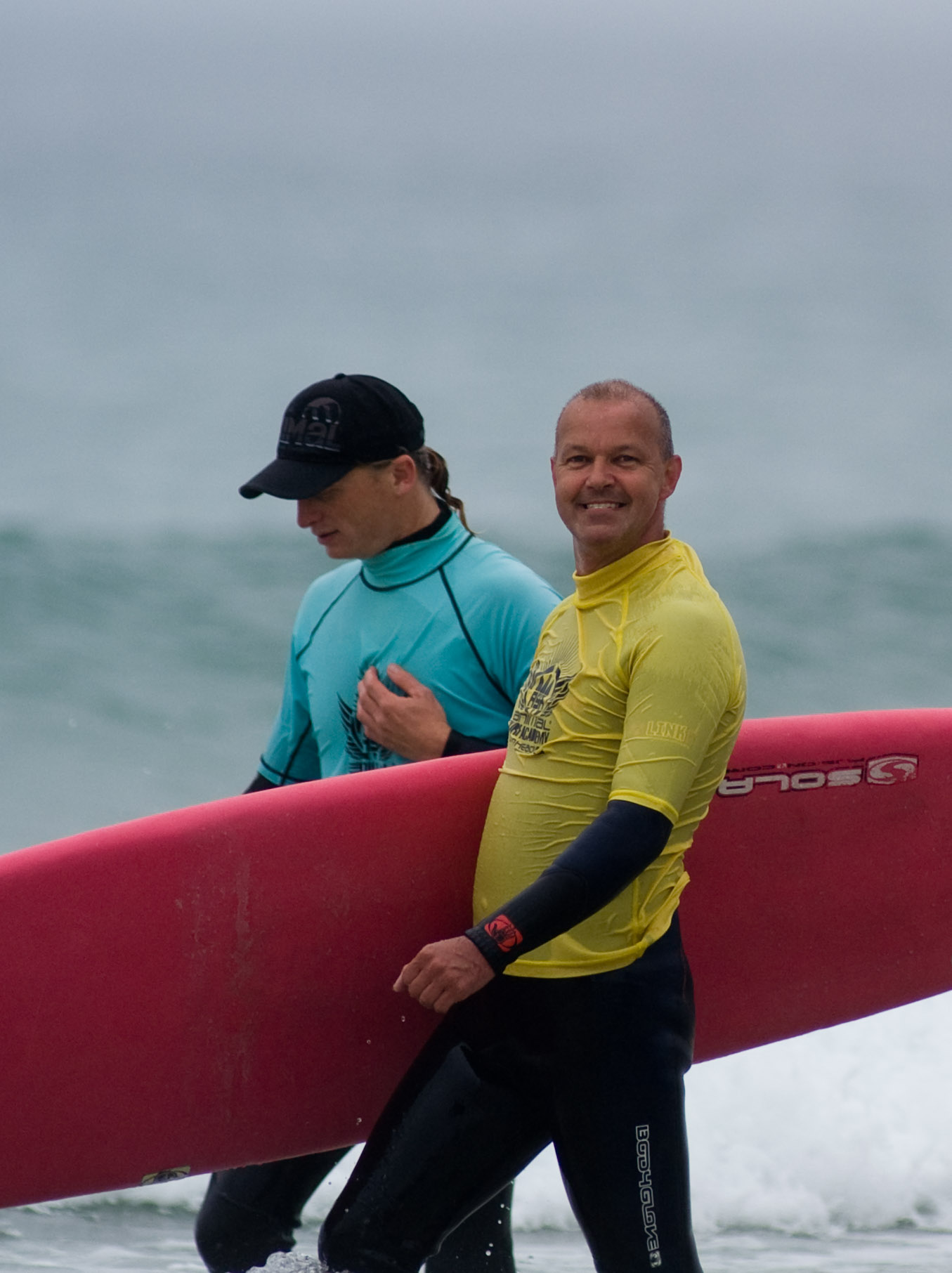
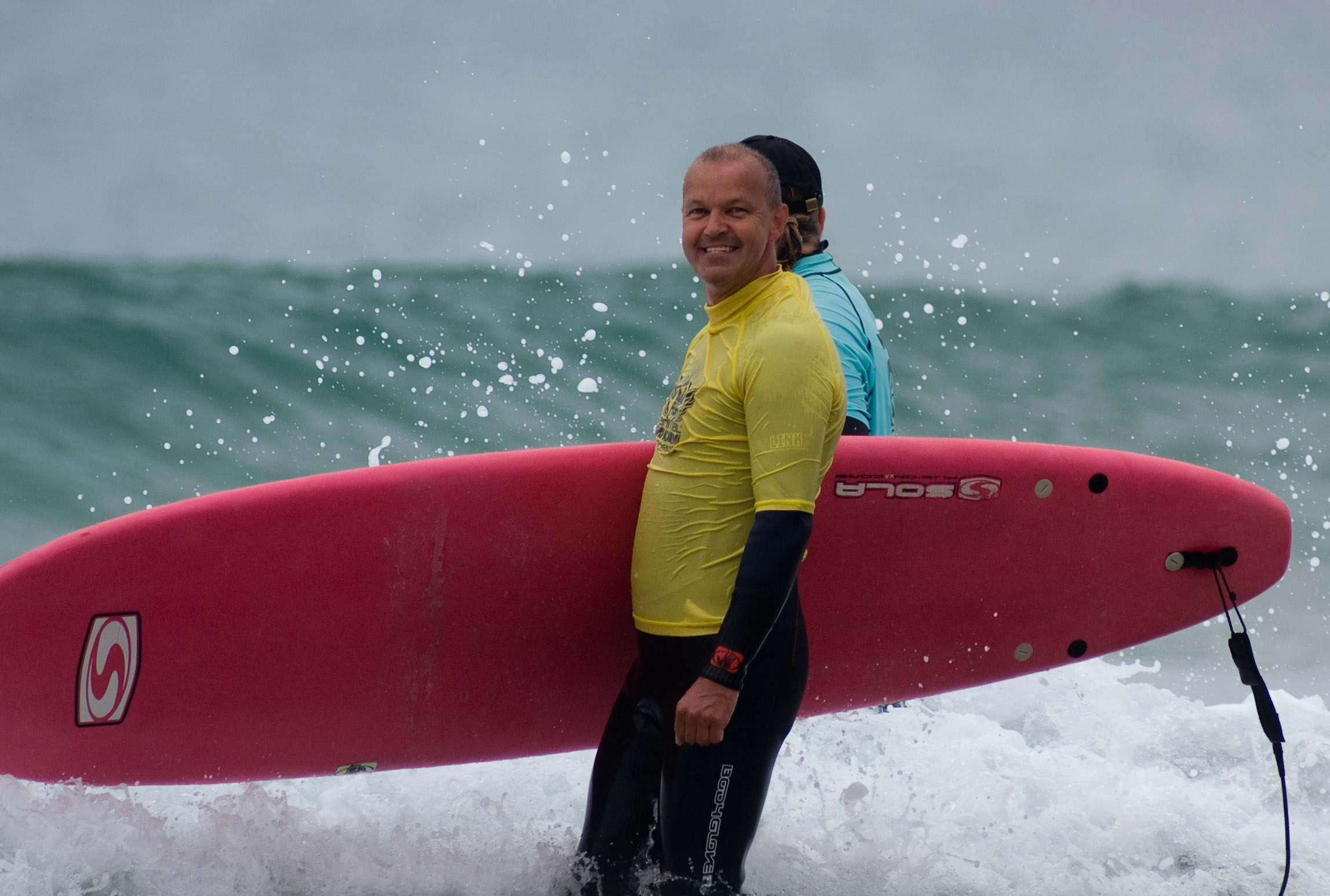
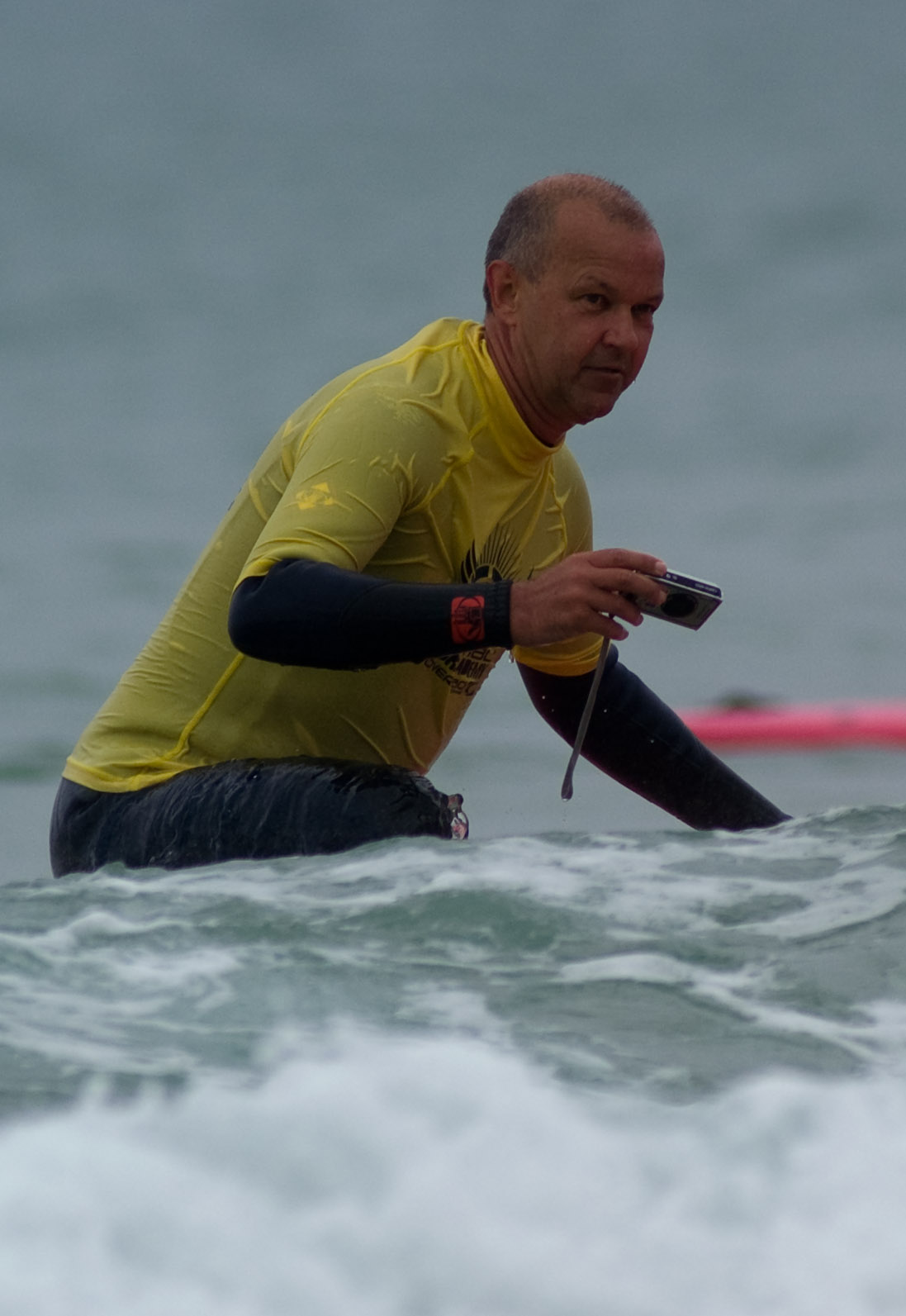
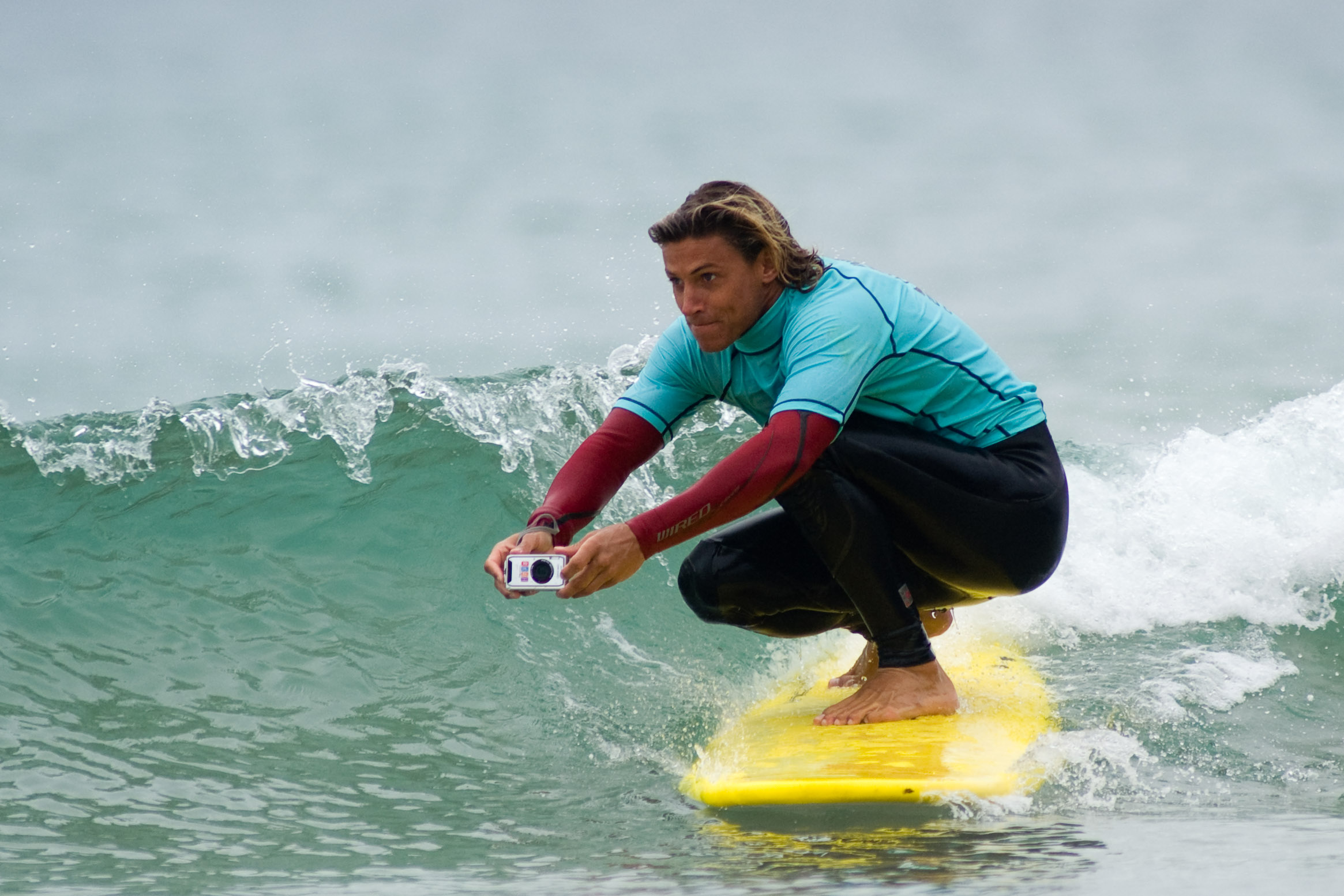
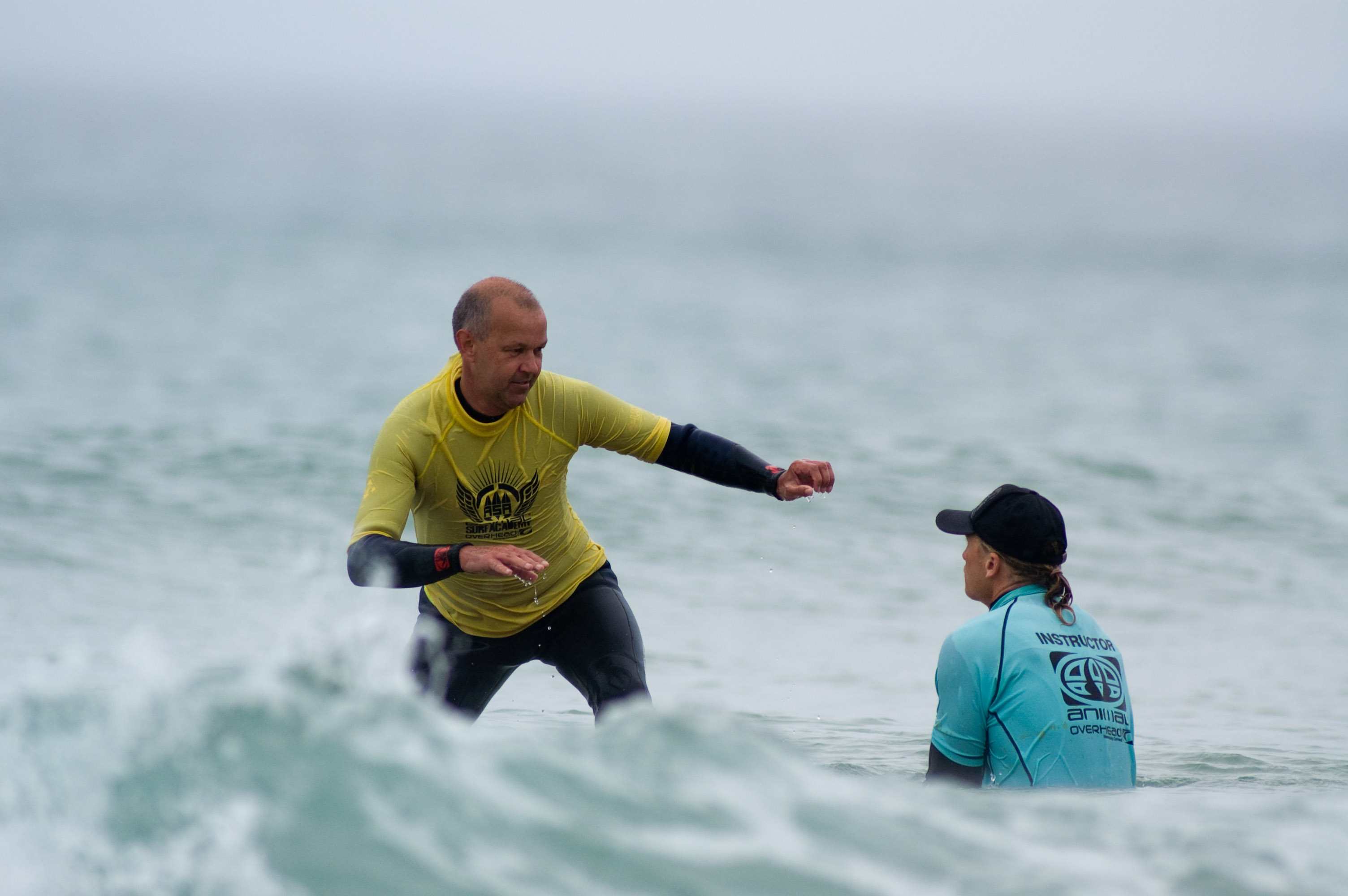
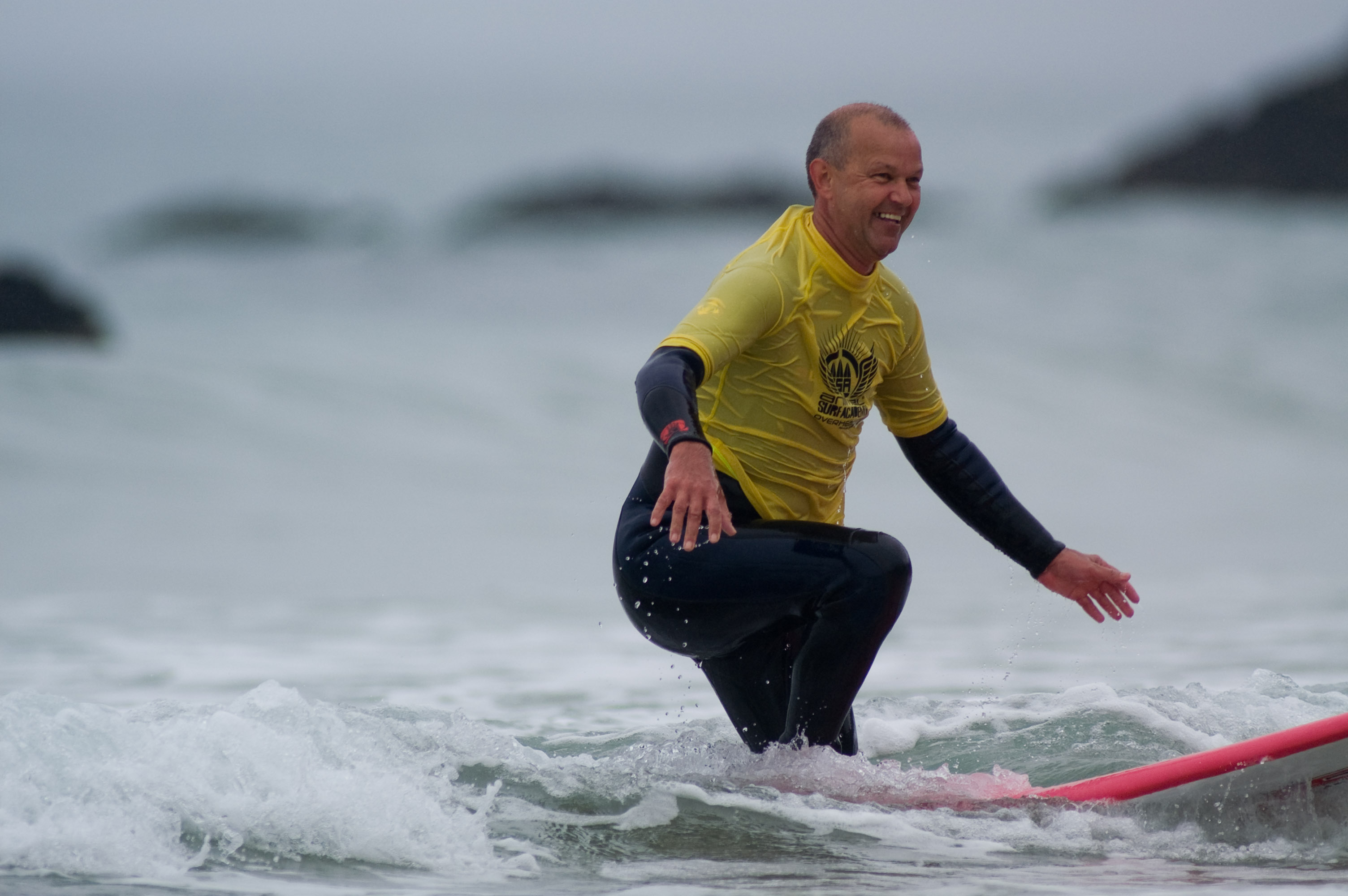
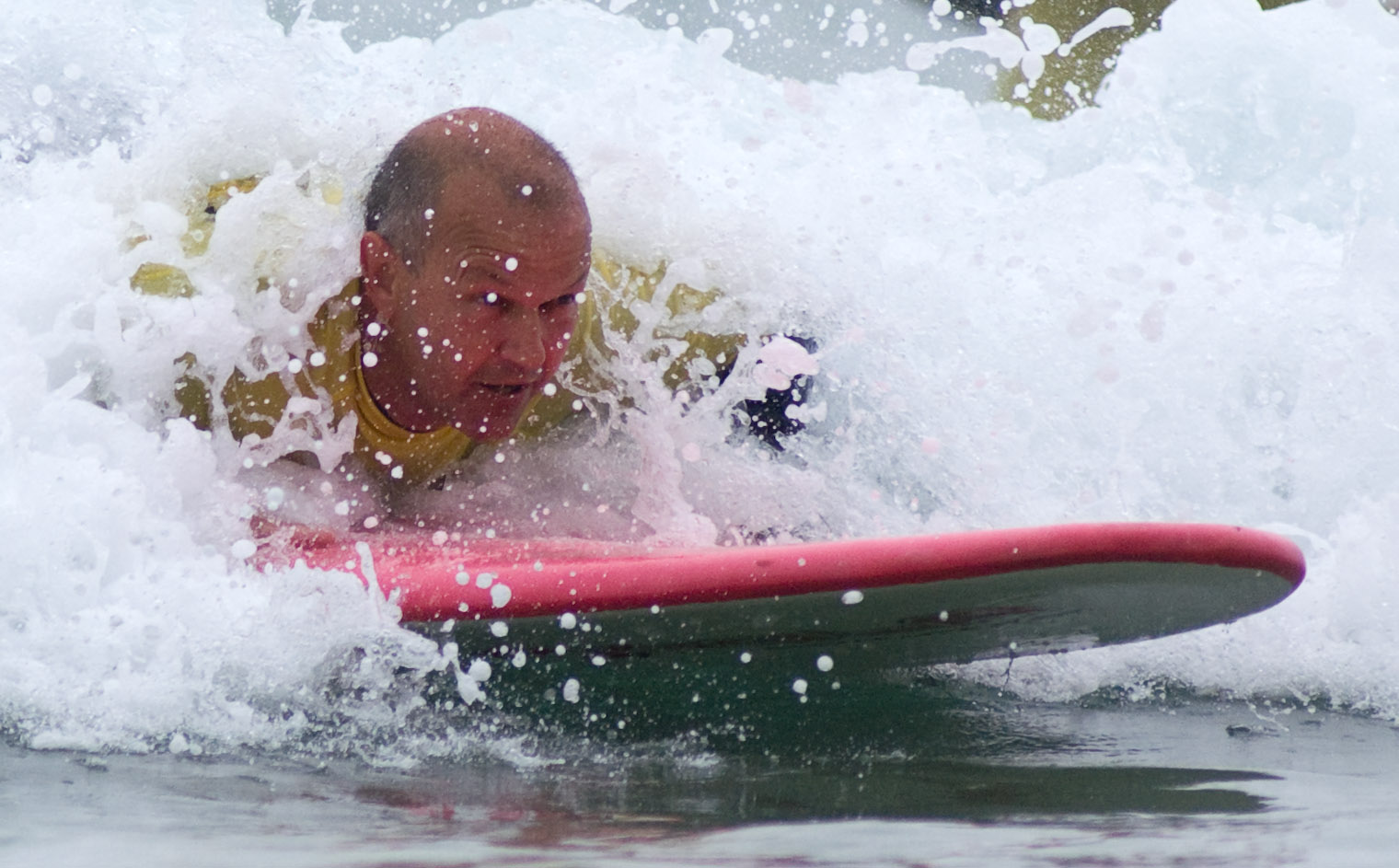
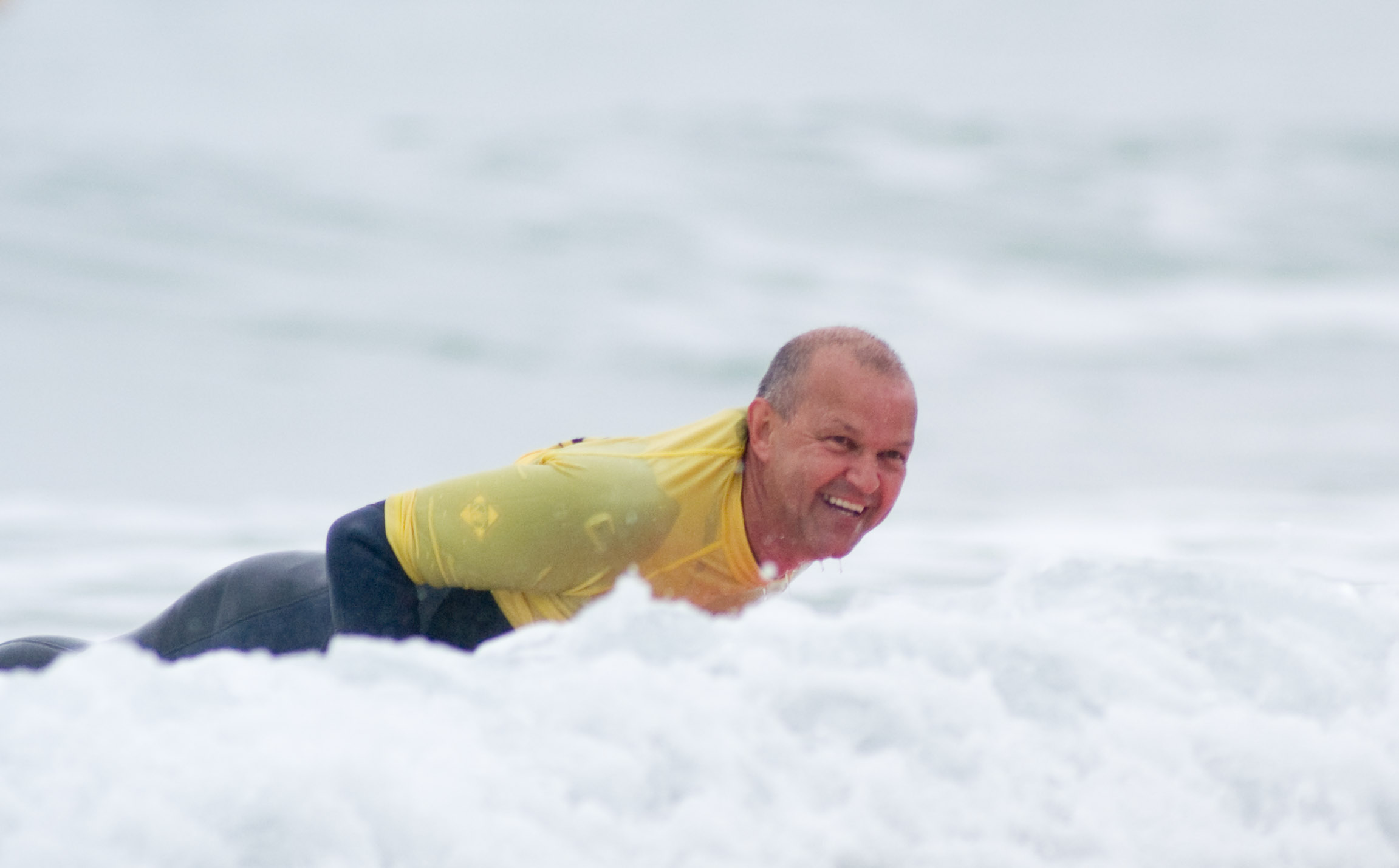
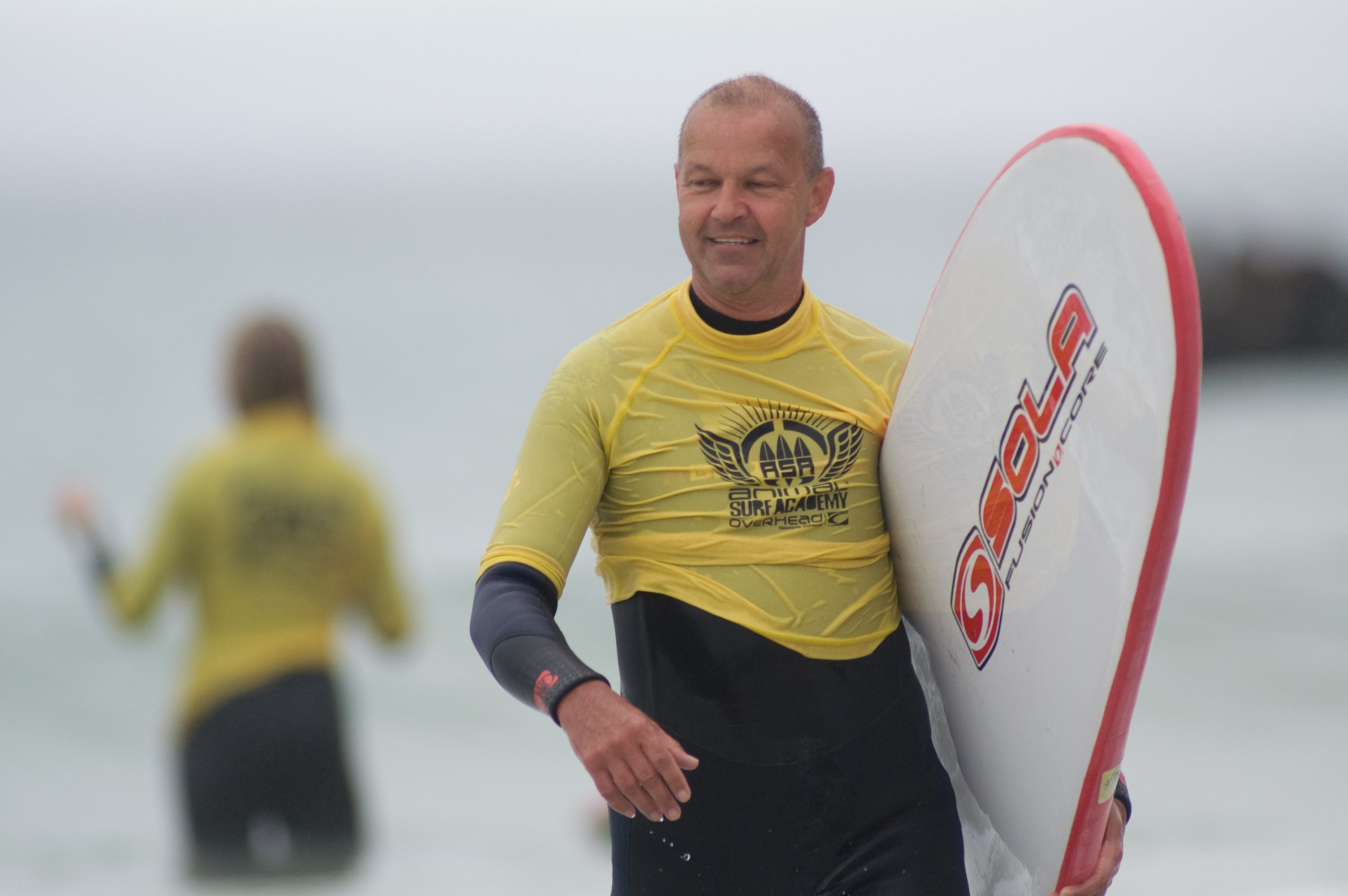
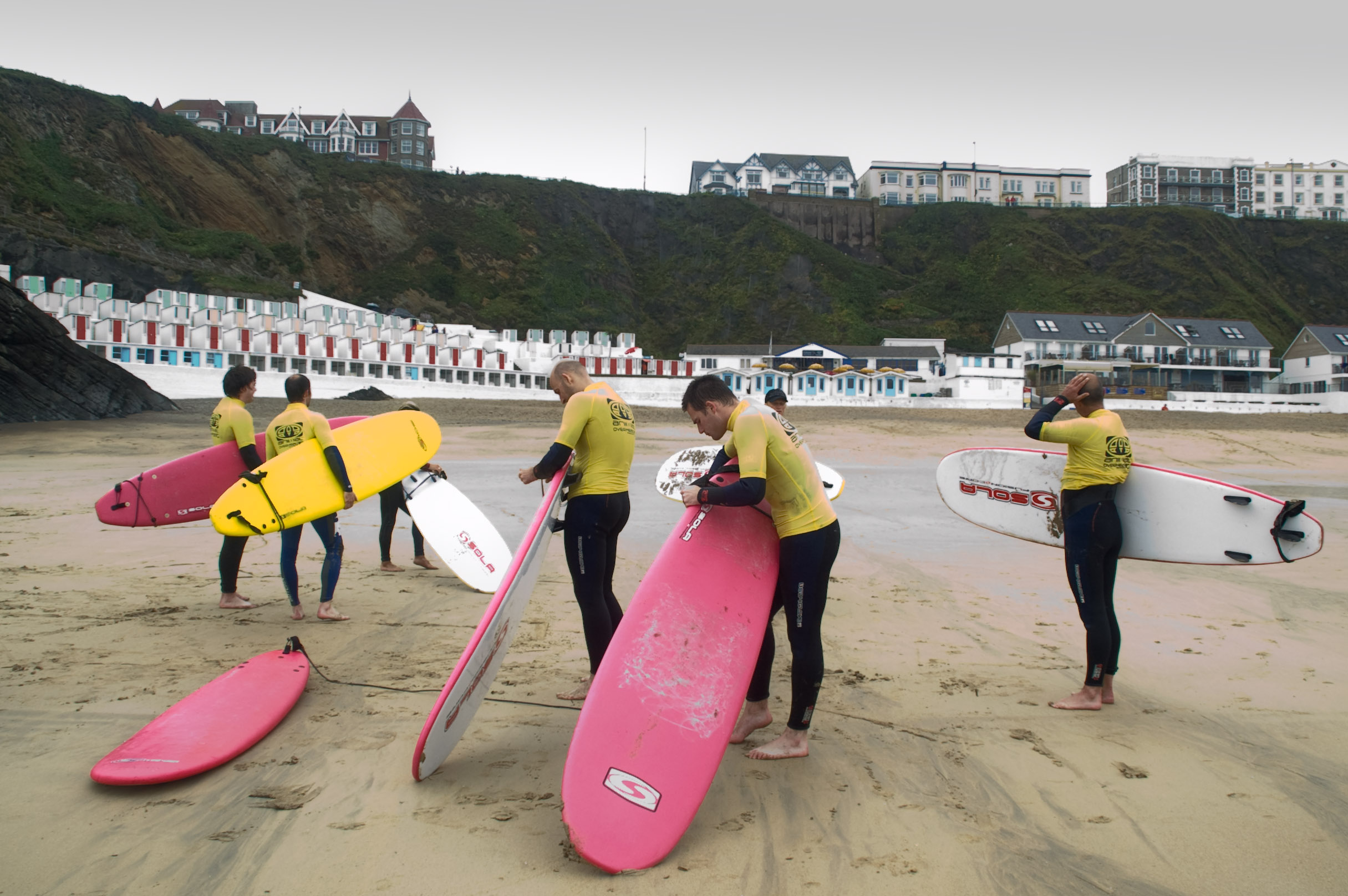
Pentax W60 Launch Cornwall. Pentax organised a surf lesson and a spot of surfing at Newquay. It was the first time I’d been surfing – I nearly managed to stand up! The W60 held out well, being hit by a surf board and drowned on several occasions.
Hosts
Tyler Kenyon, Andrew Mellor
Press
Peter Bargh, Lars Rehm, Matt Tuffin
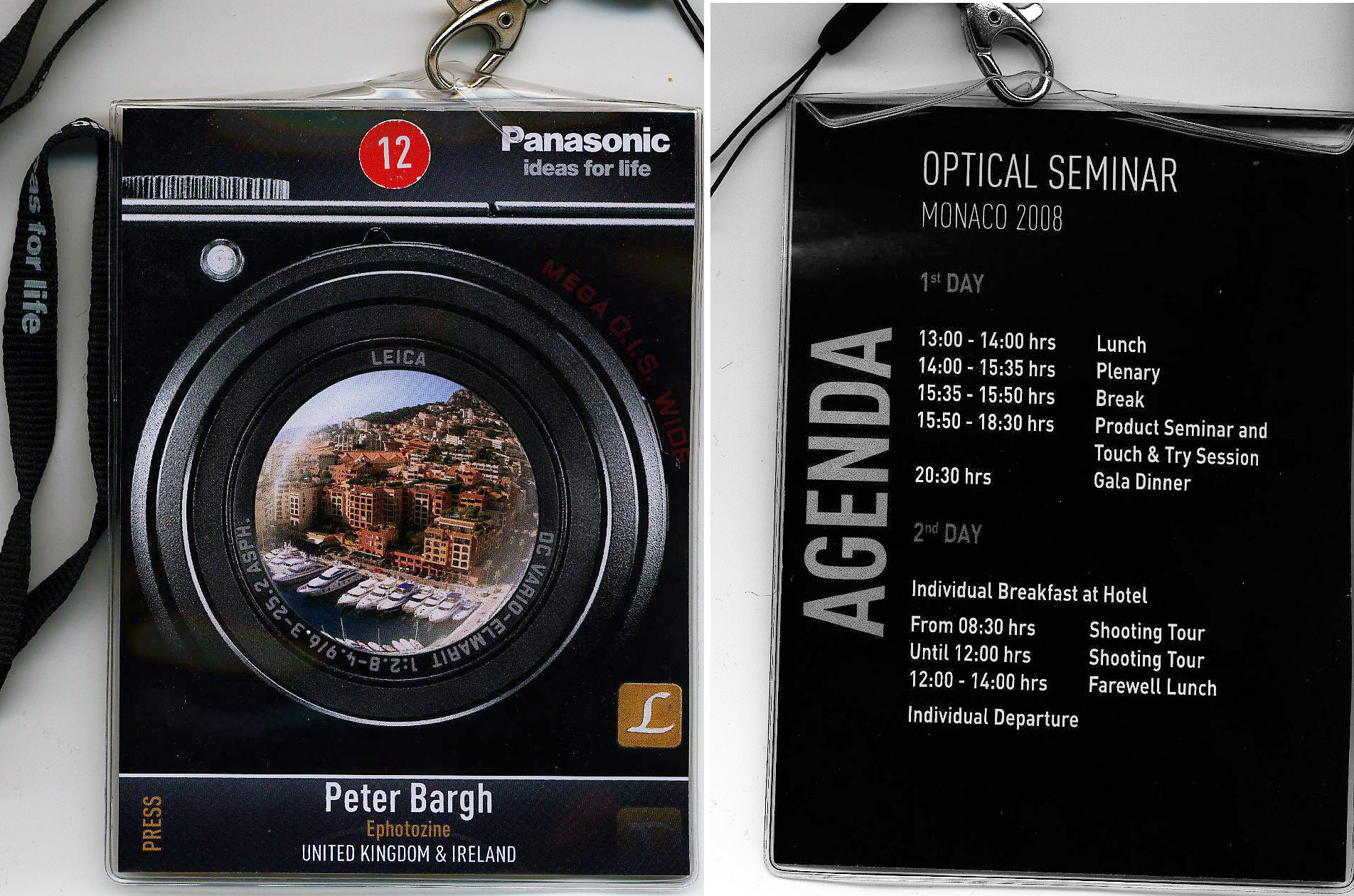
Panasonic launched their compact Panasonic Lumix LX3 in Monaco, France. I flew Leeds Bradford to Nice on Flight LS24. We stayed in the Fairmont, 12 Avenue Des Spelugues, Monte Carlom, Monaco 98000
They organised a walking tour of Monaco and a photo shoot on the harbour with a model and vintage car and two models on a scooter.
The LX3 performed really well. Sadly I lost some of my best pics taken with it due to a drive / folder error. No idea where they vanished, but they also disappeared from the back up – as if by magic!
Hosts
John Mitchell, Tanya Frost, Ben Holmes, Claire Eaton-Whitfield
Press
Peter Bargh, Phil Hall, Mark Goldstein, Bob Martin, Doug Harman, Cliff Smith