Peter Bargh

Sights & Sounds
March 29th, 2008 by Peter Bargh

Rights Usage Terms for photographs

It occured to me that many photographers don’t protect their photos. Ok you can’t prevent people from nicking you pics when they are on the web, but at least by putting a notice up you may deter a useful percentage. Rather than adding an ugly stamp across the front of your photos you can also use the photo’s metadata to add a copyright notice.

There are four important fields found in the IPTC section and one of these that I’m going to help you with the legal wording.

1 is Copyright Status…set this to Copyrighted

2 Copyright I put my name…. Peter Bargh

3 Rights Usage Terms… and here’s what I put:
This image is the property of Peter Bargh and protected under UK and International copyright laws. Copying, duplicating, saving as a digital file, printing, publishing in form of media including web, manipulating, transmitting or reproducing without the prior written permission of Peter Bargh is strictly forbidden and would constitute a breach of copyright.
Feel free to copy this and replace my name with yours.

4 Copyright info url…link this to your own site…ideally to a page about your photo copyright. Make sure you add a bit about photos being available, should a potential buyer by looking.

If you use a catalogue program, such as Adobe Lightroom, you can make this, and keywording a much more automated and quick task.

Hope that helps.

March 23rd, 2008 by Peter Bargh

error loading .dll – what it means

It appears to be a common problem but finding a solution can be hard. I’ve been getting an “error loading w0572d42.dll
The specified module could not be found” message for about a year every time I restart my computer. At first I tried to find out what it was and couldn’t. So I clicked ok, the message went and the computer ran as normal, or at least I hoped it did.

Today I had some free time so I looked a bit deeper and found an answer by Malke Routh, MS-MVP to a similar problem. His suggestion was to download a “program from Microsoft that will help you stop the error messages”

I tried this option, not really understanding what I was doing but it worked. Here’s what I did.
Step 1
Download the program AutoRuns for Windows v9.13 from here http://technet.microsoft.com/en-us/sysinternals/bb963902.aspx

Step 2
Click on the autoruns.exe file (it’s safe)

Step 3
A list of all the stuff that runs at start up will show. If you PC’s like mine there will be loads of stuff. Click the Everything tab at the top.

Step 4
Click on the binocular icon (search) in the menu. And key in the name of the .dll file that’s causing the problem.

Mine appeared on the list as “jvba05ee” and on the right “File not found: w0572d42.dll”

Step 5
Untick the box to its left

Step 6
Restart the computer

Job’s a good un! I no longer get the message. While I was in the Autoruns system I also found several other File Not found entries so I unticked them too. You can delete entries but I’m not confident enough to do that yet!

March 15th, 2008 by Peter Bargh

High Royds lunatic asylum, Menston

A tale of Urban Un-exploration
There’s a guy on our ePHOTOzine called Tom who’s an urban explorer and posted up some great shots of the lunatic asylum at High Royds. There are some superb arches, eerie corridors, fabulous windows and great staircases. It’s a photographer’s paridise. So rather than risk the security guards I thought I’d write to ask permission to take a few legal shots.
The reply was Unfortunately we cannot allow anyone on site now because of our ongoing building works and health and safety considerations.”

I suggested I’d waiver all legal claims should anything happen and said I’d just need a couple of hours and act responsibly.

But the answer was still no. Sadly I won’t be able to capture the images, so have to thank the guys on sites like 28Days Later for their bold efforts.

March 13th, 2008 by Peter Bargh

Scammed by Rapid Gaming Store

I liked to think I’m pretty sharp when it comes to spotting scams. After all I can recognise when a site offering to protect me from Spyware is actually a spyware site. Or when I’m told I’ve won the lottery I know I haven’t. The fact I haven’t entered is a bit of a clue here. I also reject the letters from people (usually Nigerians) (I’ve nothing against Nigerians) offering to give me millions to look after or pass on to a third party and keep a chunk for my trouble. Or the ebay/paypal deals suggesting I’ve used their system wrongly. Or the “INSERT BANK we are making your finances safer by asking for your password” scams. It’s all so easy to spot.

But that all went sadly wrong when I was looking for a Nintendo wii a few months ago. I did the usual DealTime price comparison search, which brought up the usual Amazon, Play.com etc, all suggesting prices of around £180 for the basic item, but at the top of the list was a company offering one for £106. So I naturally clicked the link.

Catch one: you have to buy 5. Okay I can cope…my team at MPL would all like one. So it sounds like a great deal.

Catch two: the company was abroad – Indonesia to be precise. Shipping £82! But that still meant the unit cost was far less than UK…even when you take into account the import tax. But can they be trusted? I did a few quick checks. The site looked official…photos of wiis on pallates all bundled and ready to go.

Feedback on feedback sites saying what a pleasure to deal with them.

So I clicked to buy and set the ball in motion. An email arrived in minutes – all offical looking suggesting I pay via bank transfer to:

Bank Name : Bank Central Asia (BCA)
Bank Address : Jln. Dr Cipto Mangunkusumo 4E Bank City :Cirebon
Bank State :Jawa Barat Bank ZIP :45131
Bank Country :INDONESIA
Bank Branch :KCP CiptoMangunkusumo
IBAN / Account Number :3740521321
SWIFT Code :CENAIDJA
Name on Account :METASARI

and “Once you send the payment through your bank, please send to us scan copy of receipt from your bank”

I did this and waited patiently. Yesterday six weeks later I had still not received anything, so went back to the web site…surprise, surprise, the site has gone replaced by the domain registrar’s landing page. A quick search on Google brought me to several other mugs who had the same experience and had also been conned.

So who was this company? Rapid Game Store or rapidgamestore www.rapidgamingstore.com

I’d like to say do not do business with these crooks but they do not exist now, although they will no doubt pop up again under a different guise and do exactly the same again!

So, just in case they try again with the same names here’s the sales manager’s name: Dede Suryana and the details they had for the store:

Store address : Pasar Baru-Metro Atom Plaza Lt. II Jakarta Selatan, DKI Jakarta, 18274, ID
Phone (62)-21-74415253 Fax (62)-21-74415254
Email : [email protected]
Website : http://www.rapidgamingstore.com

If anyone knows how we can get back at these crooks let me know.

Please feel free to comment here and add any scams you’ve got hooked in and any tips for potential victims.

Keep it clean!

March 11th, 2008 by Peter Bargh

I’m an extra in Bronson: My Story

Red Mist stuck up a poster in the Turbine requesting volunteers to be extras in the film Bronson: My Story. I applied and got a part as an SA (supporting artist). We filmed on Thursday 6 March. It was great fun. I am a prison warden. I got the role of walking behind Bronson (played by Tom Hardy), as he was lead out of Broadmoor. The filming was actually done at Stanford Hall. We got to climb around on the roof and had roof tiles hurled at us for some stills that will be played as flashbacks in the film, due for release Feb 2009. It was a full day filming and I guess the part will be about 15 seconds.
January 1st, 2008 by Peter Bargh

Helicon Focus defaulted to Polish

I’m going to start using my blog to share problems I come across and the solution I find. Here’s my problem of the day. I haven’t used Helicon Focus for a few weeks. I launched it today and all the menus were in Polish.

Now I’m not totally familiar with the program so cannot work my way around it with my eyes closed (or in Polish) so I needed to find out how to get back to English. I struggled to find preferences but couldn’t work out which one was for language. Looked around elsewhere and drew a blank.

A difficult search on Google eventually brought me to helicon.com.ua, where someone else asking the same question got an answer. That person was told that he probably accidentally selected Polish when he installed the program or he changed default. Well if he was like me it just happened.


Nevertheless the following solution was provided.


1 Go to the “View” menu (second from the right – Poka? in Polish. Click it.

2 The bottom button in the view tab is for languages (titled Jezyk)

3 It has a pop-out menu where English can be selected as one of the options.

4 Click OK.

5 Restart the program.

It will then open in English.

December 24th, 2007 by Peter Bargh

Valencia

A week in Valencia staying at the Hotel RH Riviera on Plaza de Neptune. A very Spanish hotel in a very Spanish part of Spain…hardly any British which was nice, but the few we found were very annoying. First day found a dead dolphin on the beach just outside the hotel.

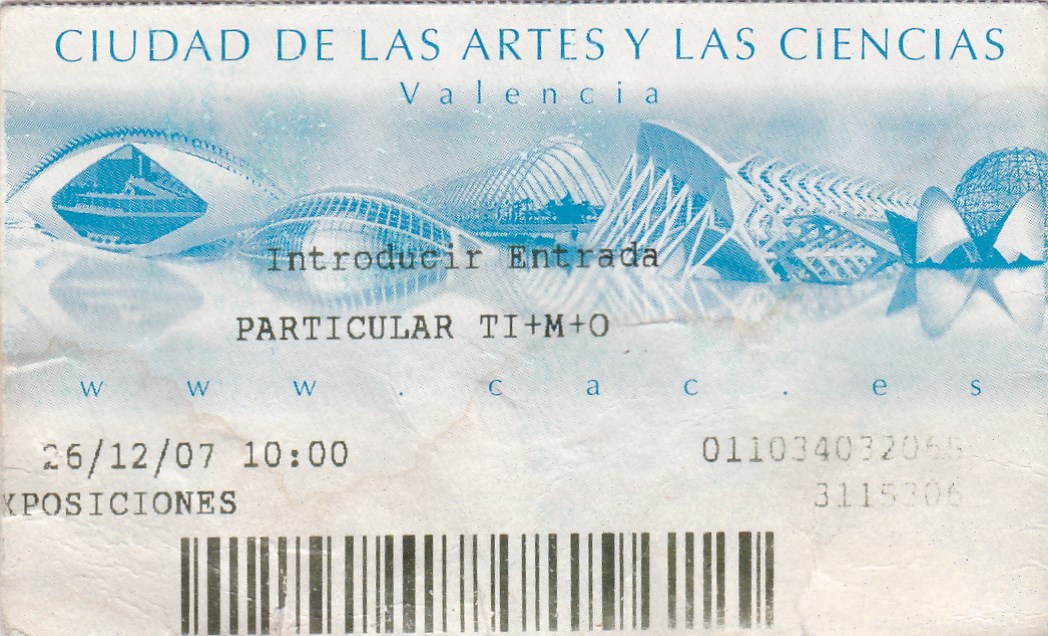
The holiday included a trip to the Ciudad De Las Atres Y Las Ciencias (City of Arts and Sciences) in Valencia. A great collection of architecture, especially for photography.

Ticket for City of Arts and Sciences

November 5th, 2007 by Peter Bargh

Olympus E-3 launch – Istanbul

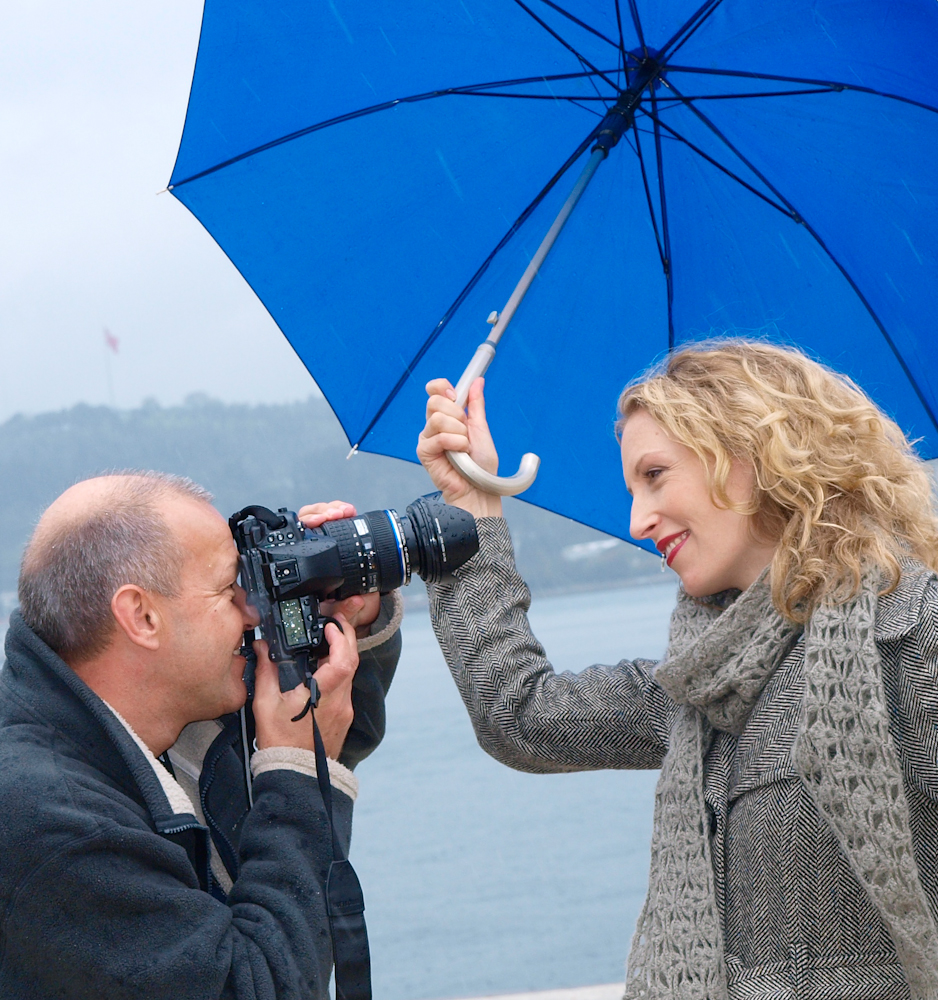
OLYMPUS DIGITAL CAMERA

Olympus launched the Olympus E-3 pro spec dslr in Istanbul, Turkey

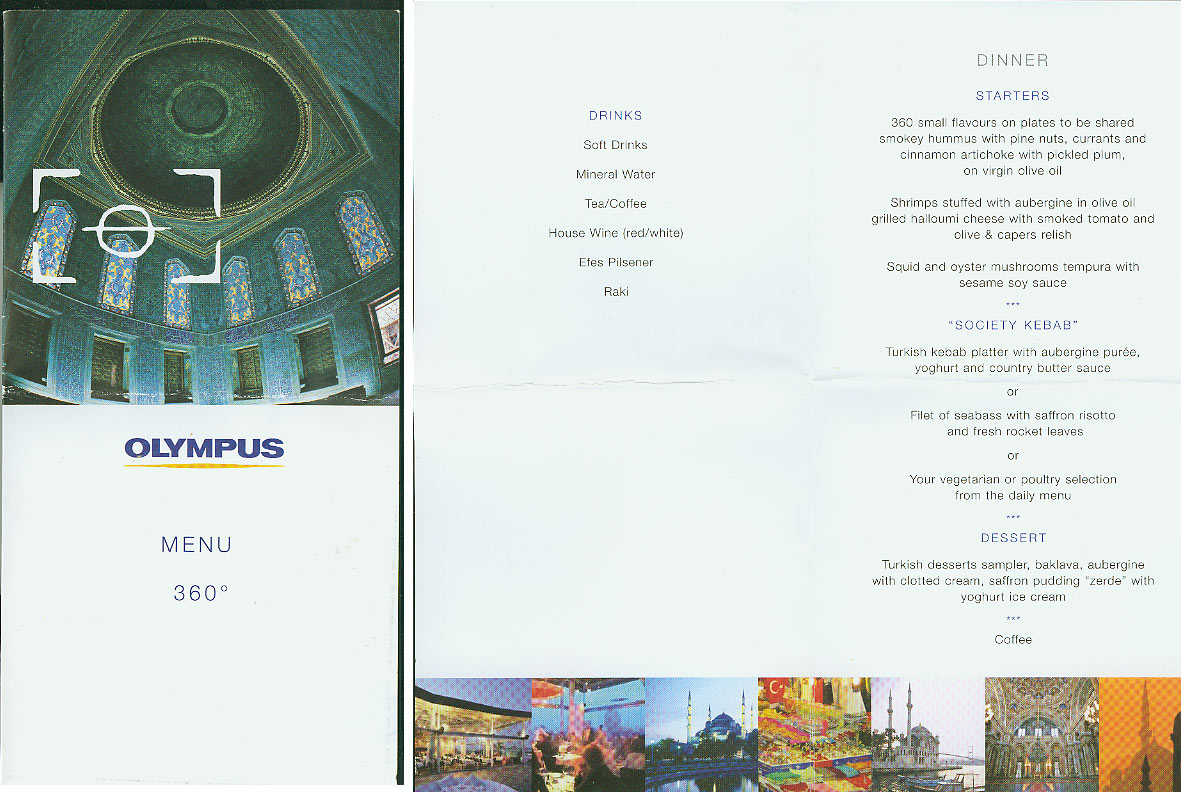
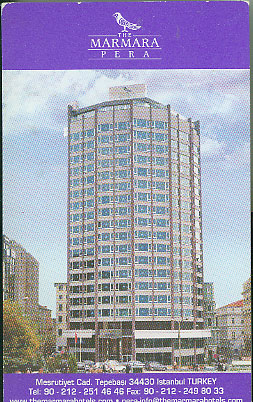
We stopped in the Marmara Pera Luxury Istanbul Hotel and during our stay we ate at Guney Esnaf Restaurant, Can Restaurant, Lala Restaurant & Pudding Shop, Restaurant 360, Galata Tower . We visited the Spice Bazzar, Grand bazaar, Blue Mosque + Hagia Sphia , Boat Jetty – Bosporus Excursion, Limonlu Bahce (lemon Garden) and Banks of Bosporus

A model was arranged and we had a a few pros on hand who had been using the E-3 and were explaining some of their portrait techniques.

Hosts
Mark Thackara, Harjit Sohotey, Greg Connell

Press
Peter Bargh, Ian Burley, Bob Martin, Nigel Atherton, Darren Hartas, Georgie Shevki, Josie Reavely, Terry Hope

October 29th, 2007 by Peter Bargh

Spam in PunBB forums

Spam…it’s a pain in the neck. My email in-box is full of it daily. Long messages about Viagra (or v.i.a.g.r.a!), dick enlargers, porn films and special wonder drugs. So it really got my livid when I installed PunBB on my site as a forum. Within weeks I was getting dozens of the same spam messages, along with video clips of porn. Well okay I’m not against watching the odd film or two, but I’m not about to promote it on my site! So I went into my admin section daily and deleted the posts and put the urls on the banned list. After a week this becomes frustrating. So I searched for an alternative.

First thing I found was some PHP code to fix the proble. Simple just find the file post.php and add some provided code in the area suggested. I hadn’t a clue what the code was about to do. But several people had said it worked for them. So I did it. The eager to see if it worked I posted a test message on my forums. Error on line 170! Doh…good job I backed up my original file…which was quickly returned.

Back to research…after several false journeys I found Akismet on a PunBB resource page. Here was a script written for WordPress that has been modified for PunBB and once installed works well…so far!

To install click on the download here link below the forum poster’s PS post (or here) which takes you to the zipped folder akismet_punbb.zip. Download and unzip the folder and follow the read me instructions.

You need a WordPress account as you have to modify the supplied PHP code that you add to the post.php file by changing the word AKISMETAPIKEY to your WordPress Akismet api key.

Now when I log in there’s an Akismet plug in in the admin section of my forum. I simply click on that to see the spam that’s been blocked – six in one day! And then click delete or accept! Gone for good and the public don’t see a thing…not that I have any visitors to the forums so far. But when I do it will be perfect!

October 9th, 2007 by Peter Bargh

News

I never get much time to spend developing this site, or comment on here. My forum is not attracting any visitors, but i really do not promote it and anyone who drops in is probably too shy to start the ball rolling. It was quiet on ePHOTOzine when we launched. Took ages to get things flowing.
Latest news I’ve added a news section with photography feeds from all over the place. That was fun doing and took me about two hours from start to finish. Quite pleased with that…and it looks neat 🙂